
[smartslider3 slider=2]
ASteel 3D features
Powerful 3D detailing solution!
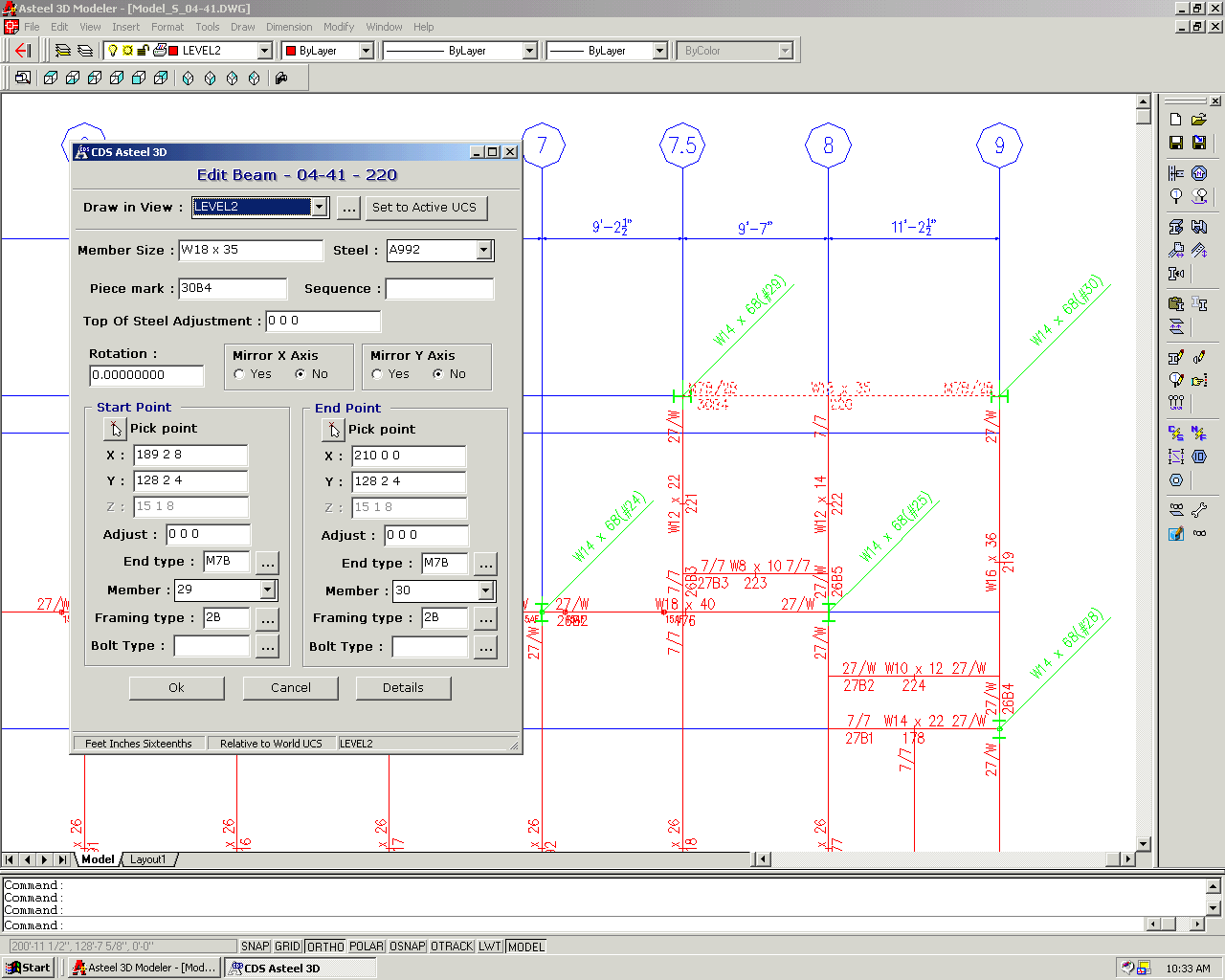
- Easy to learn! Built on the power of AutoCAD.
- Finish jobs quicker with less manpower.
- Reduces data entry time.
- No overhead time getting started on a job.
- Easily configured for single or multi-workstation environments.
- Minimal training required.
High quality shop drawings – fast!
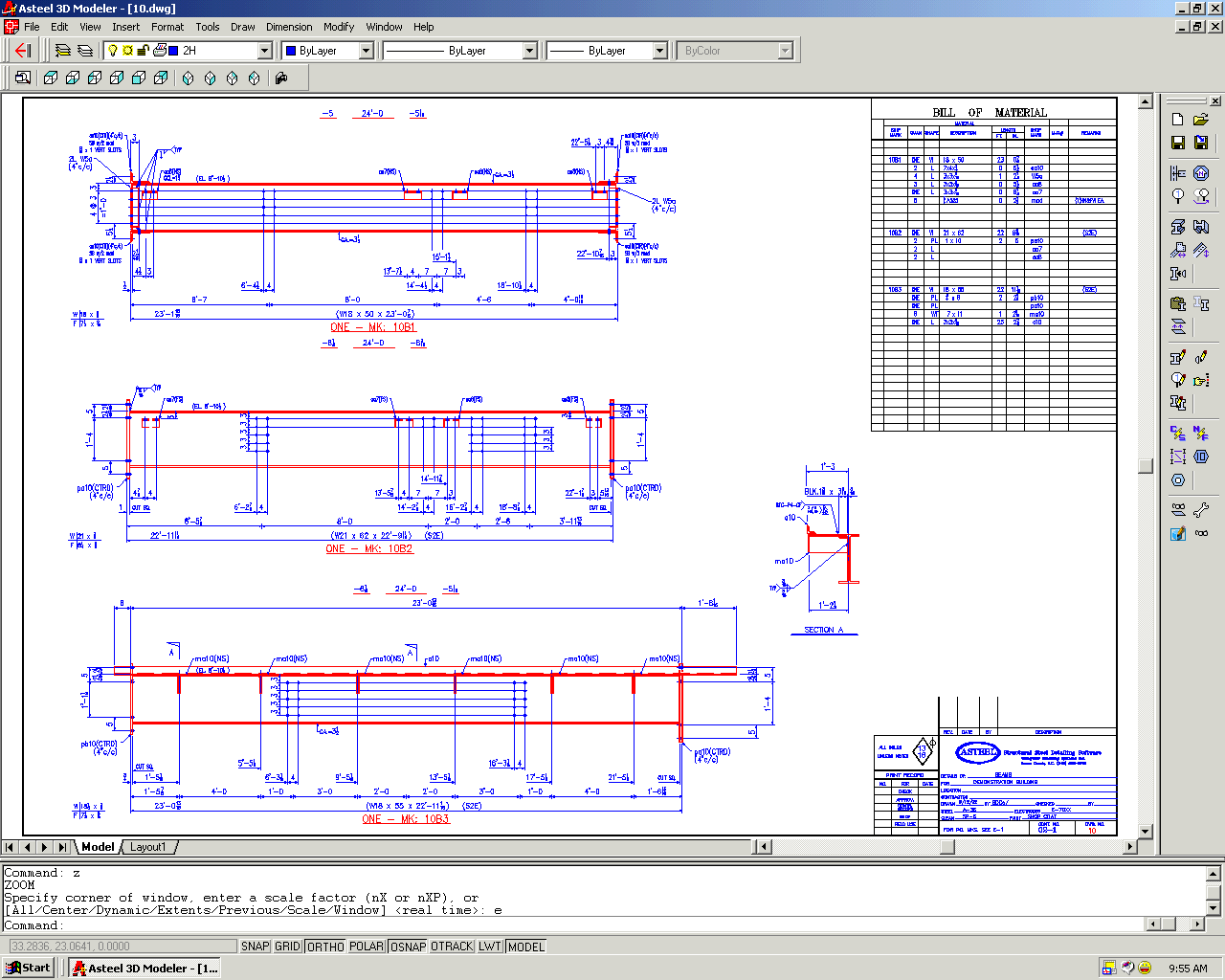
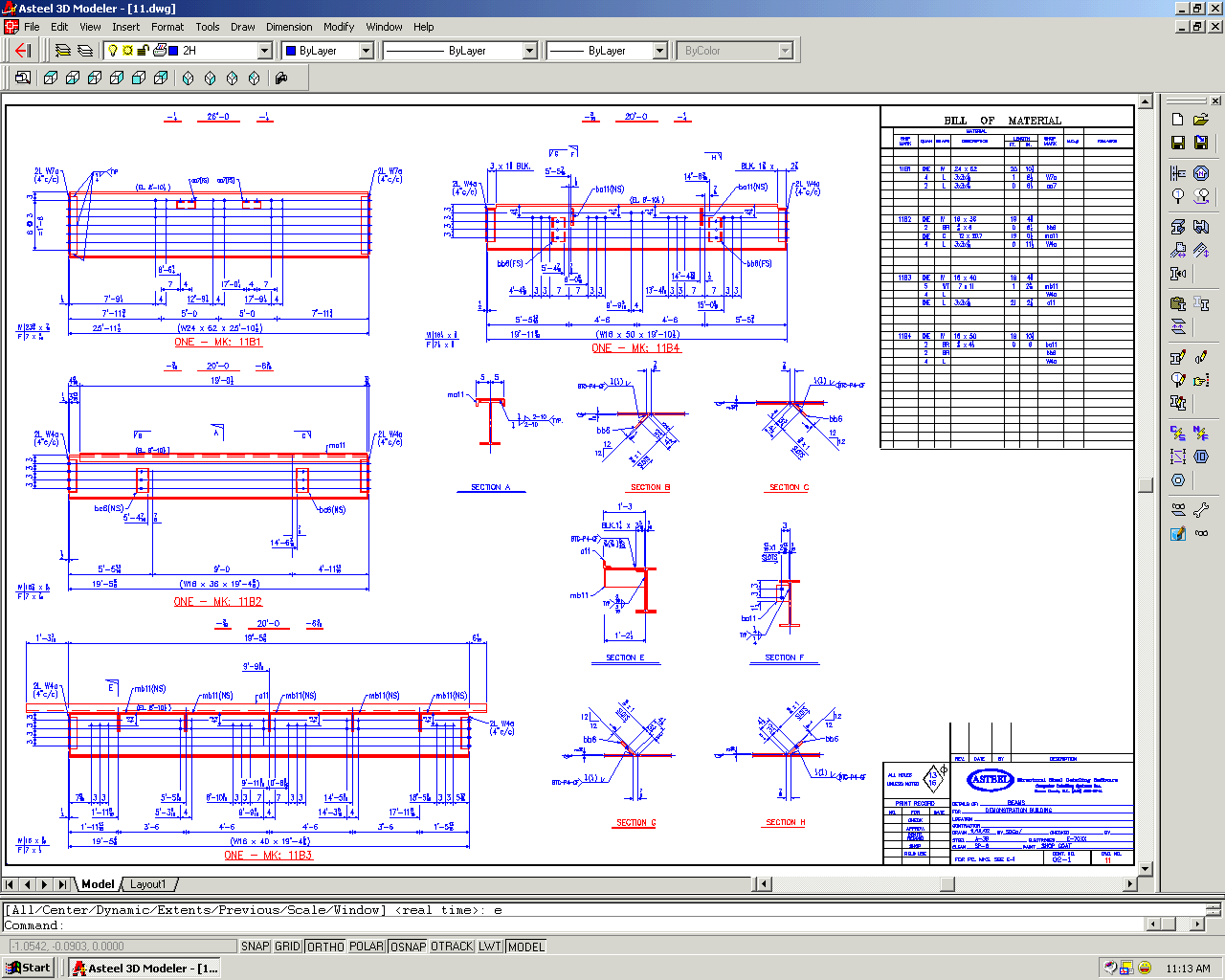
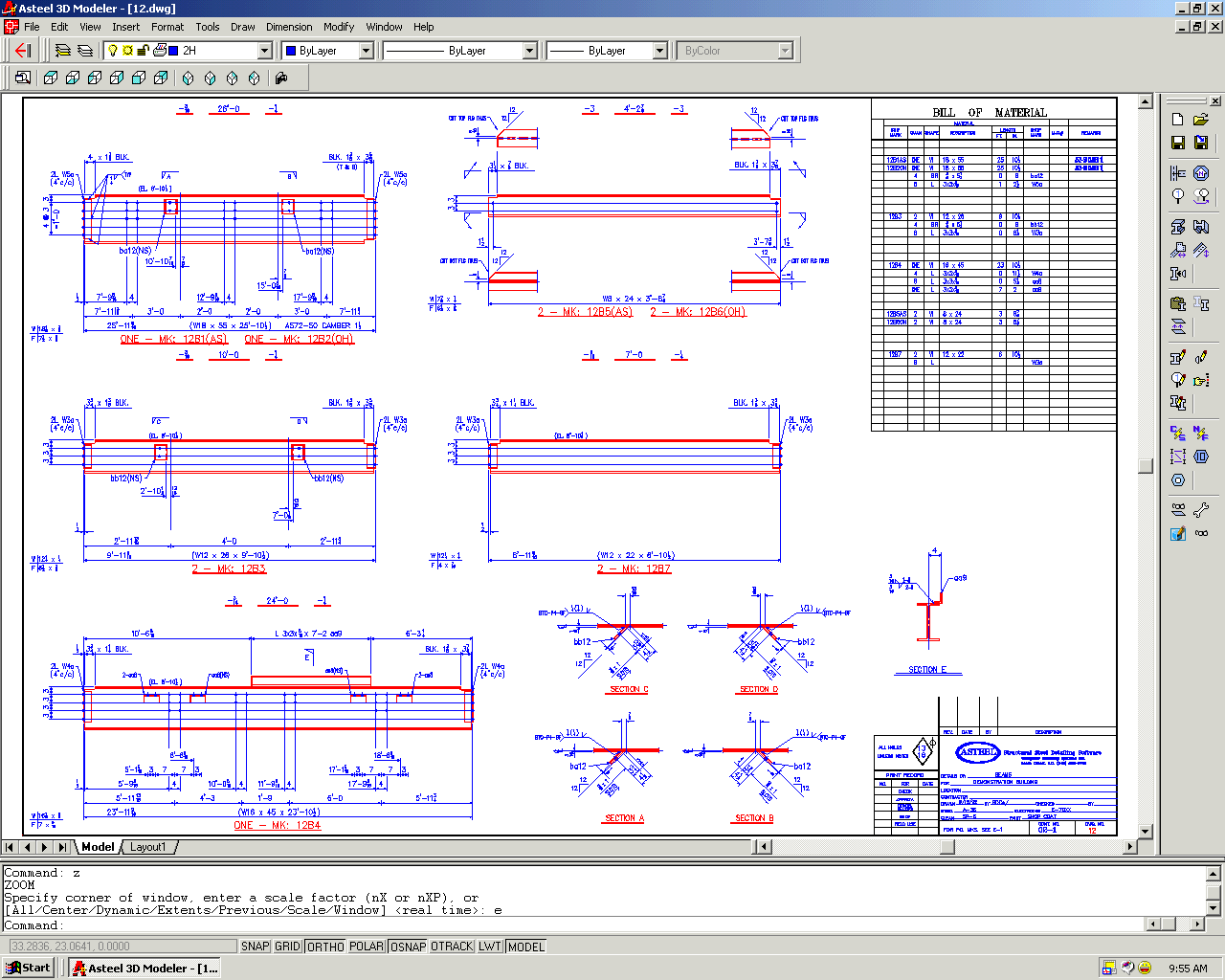
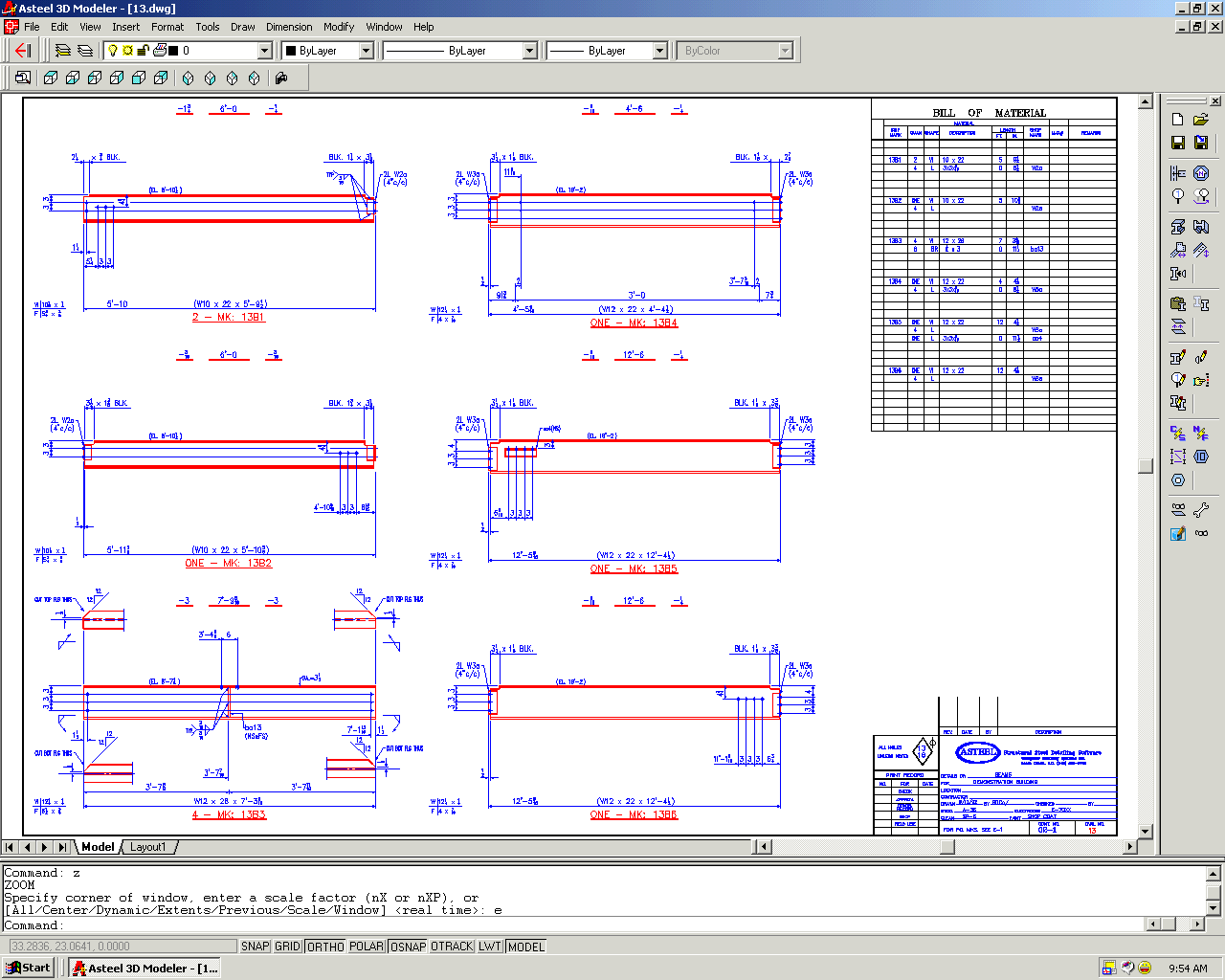
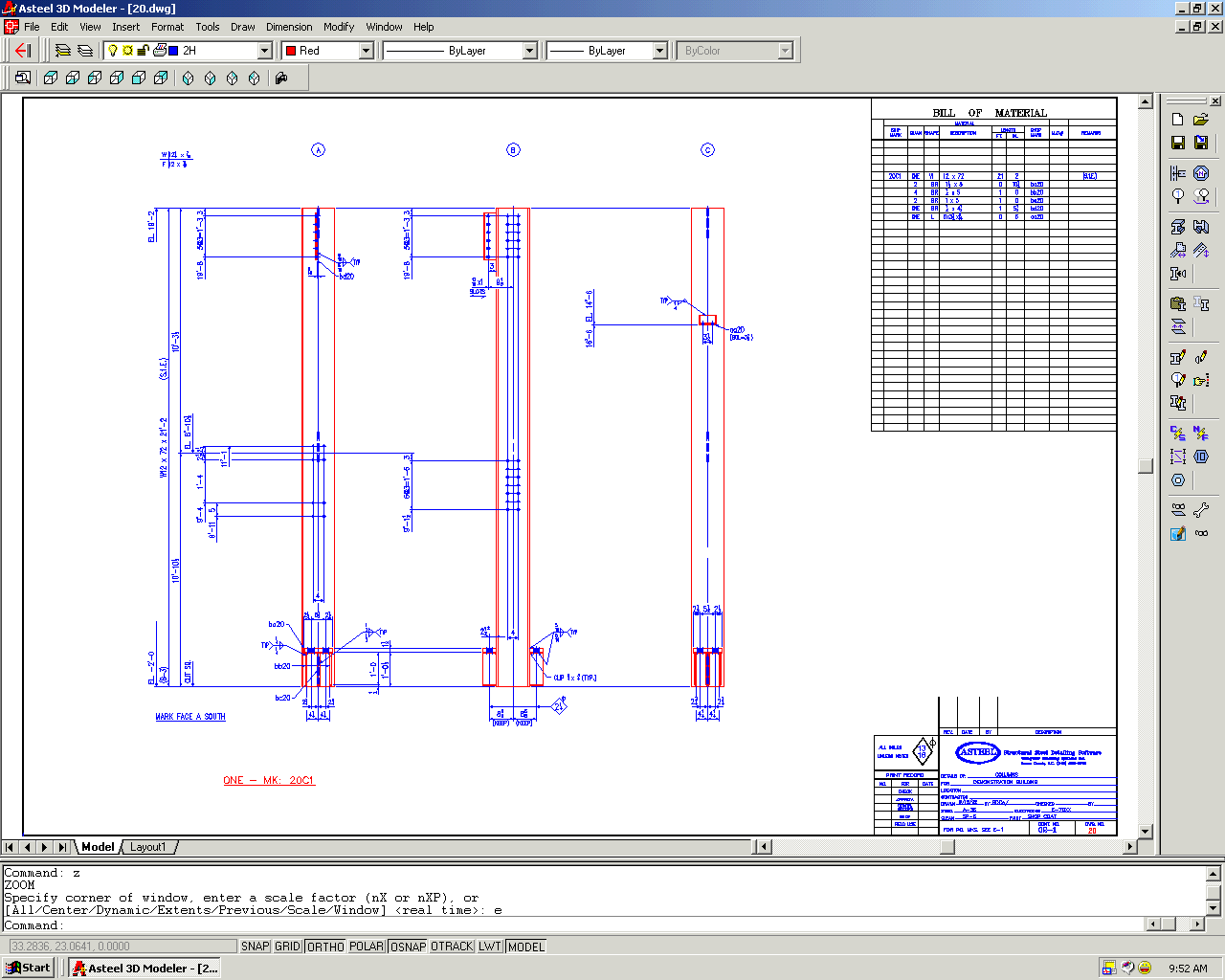
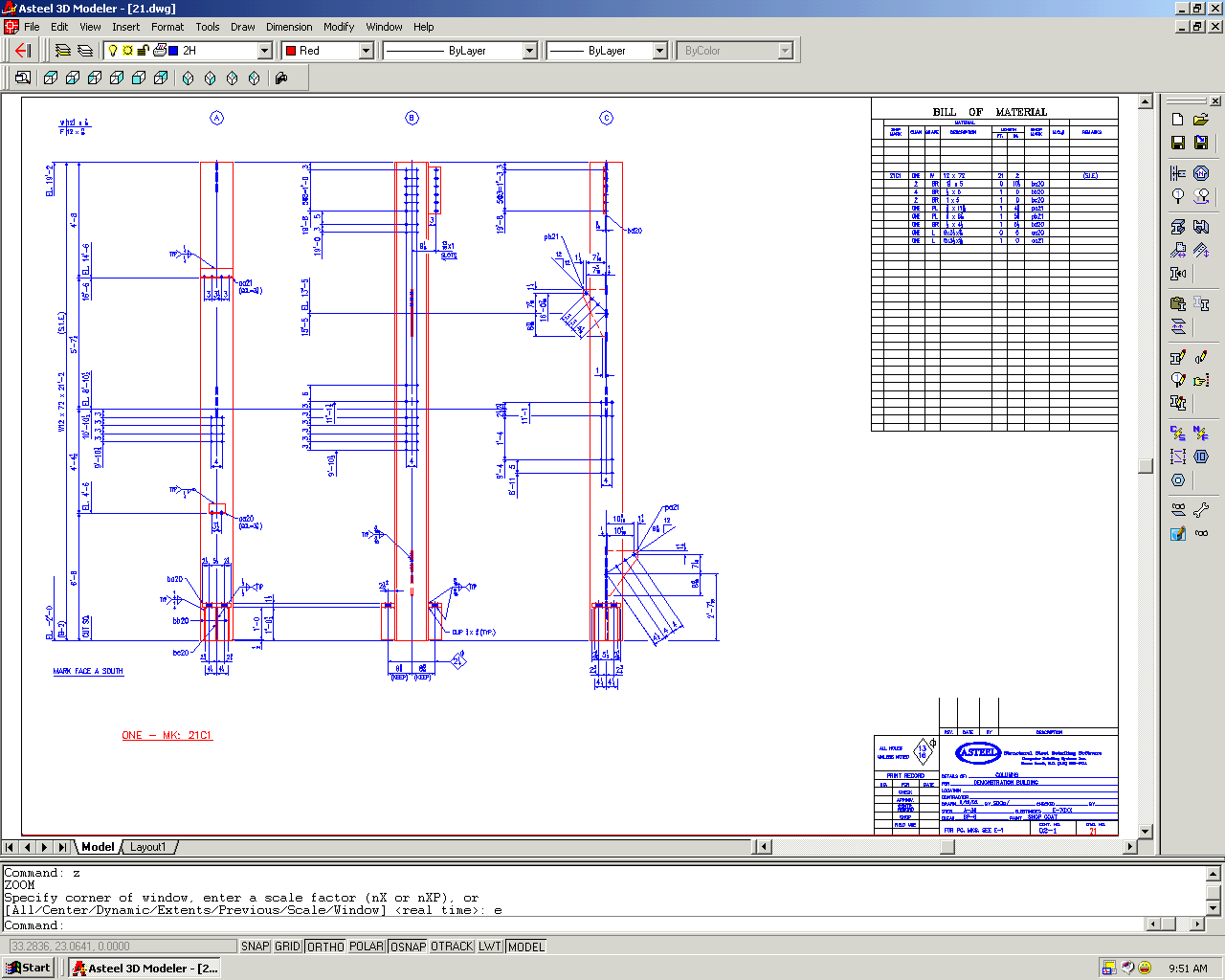
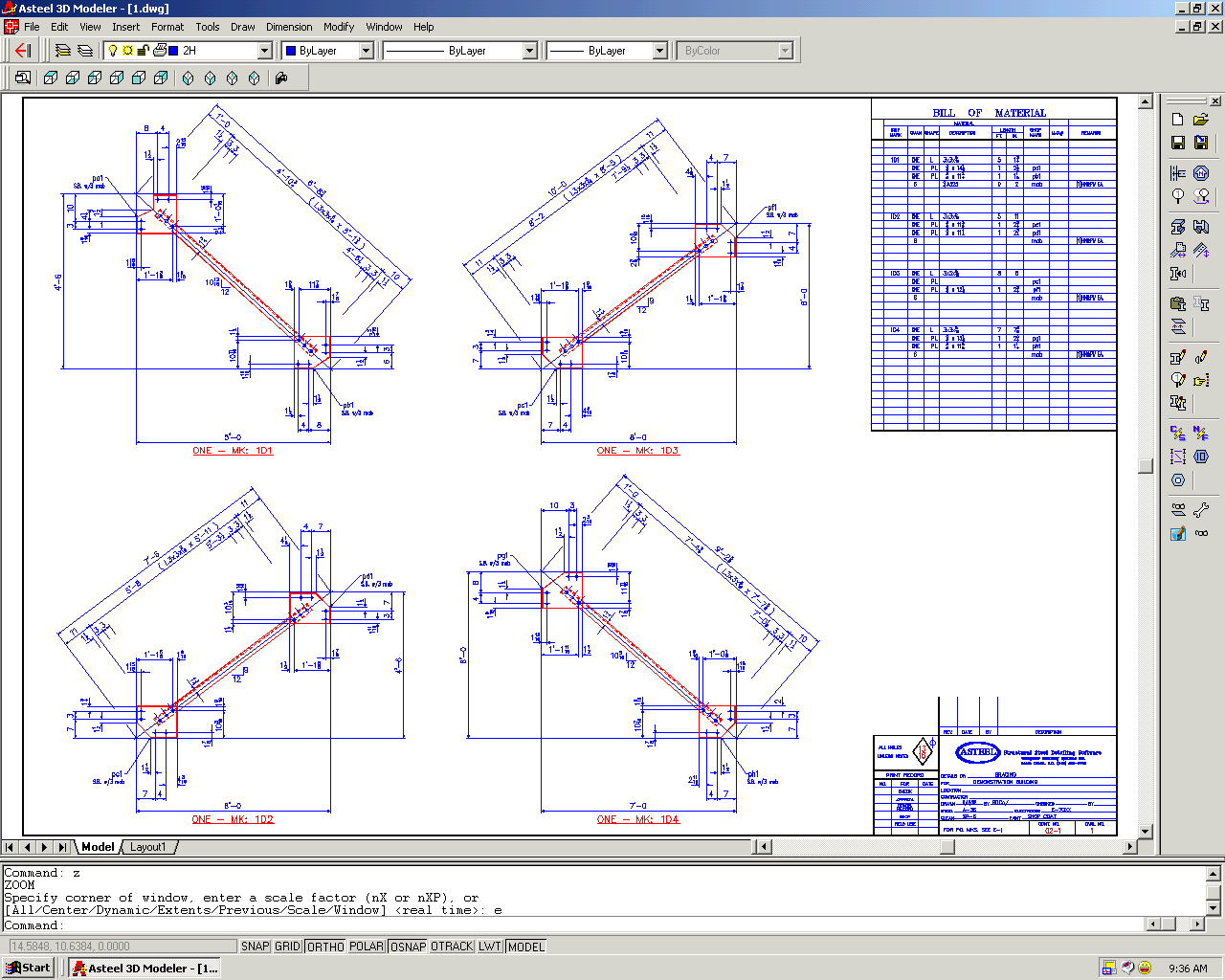
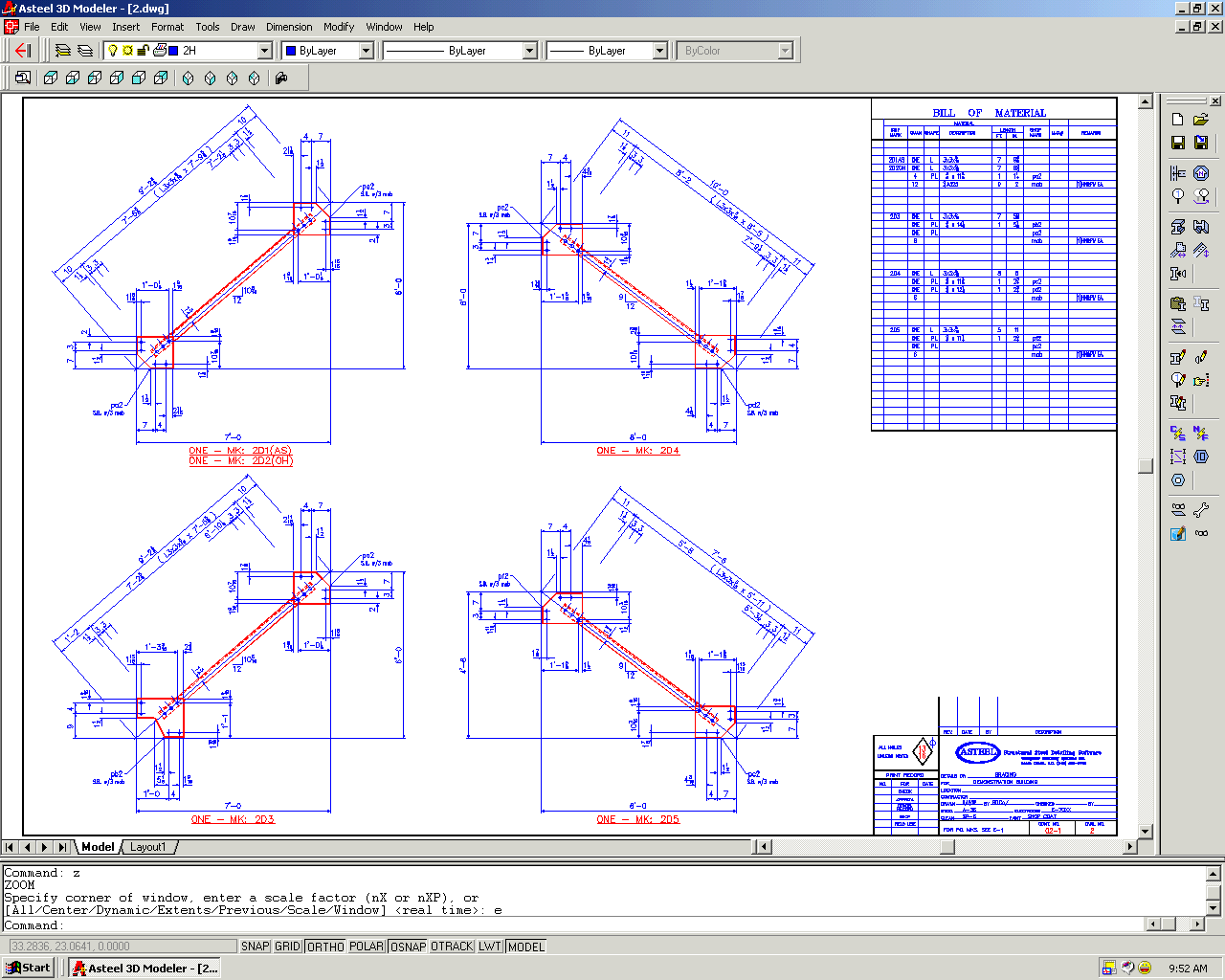
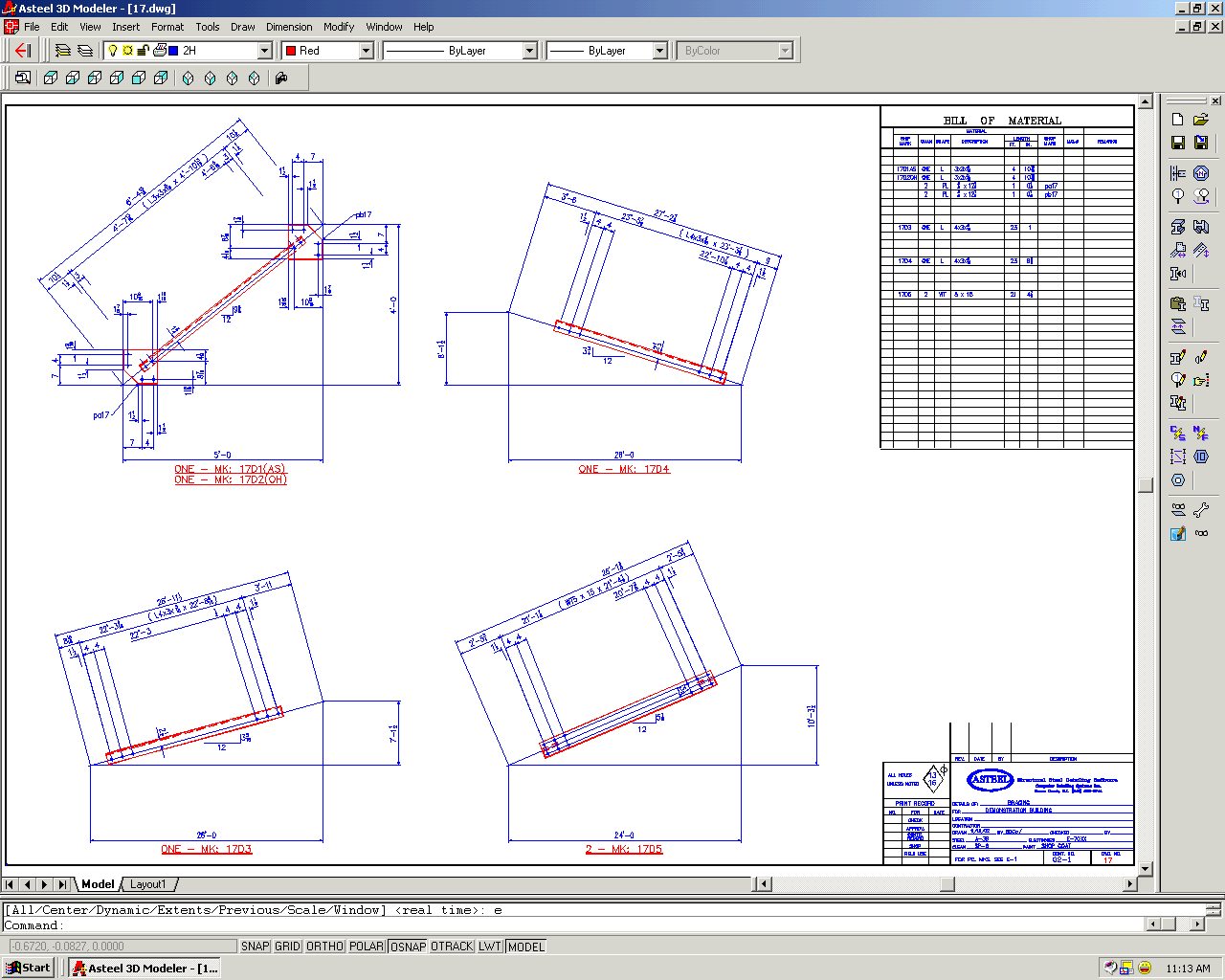
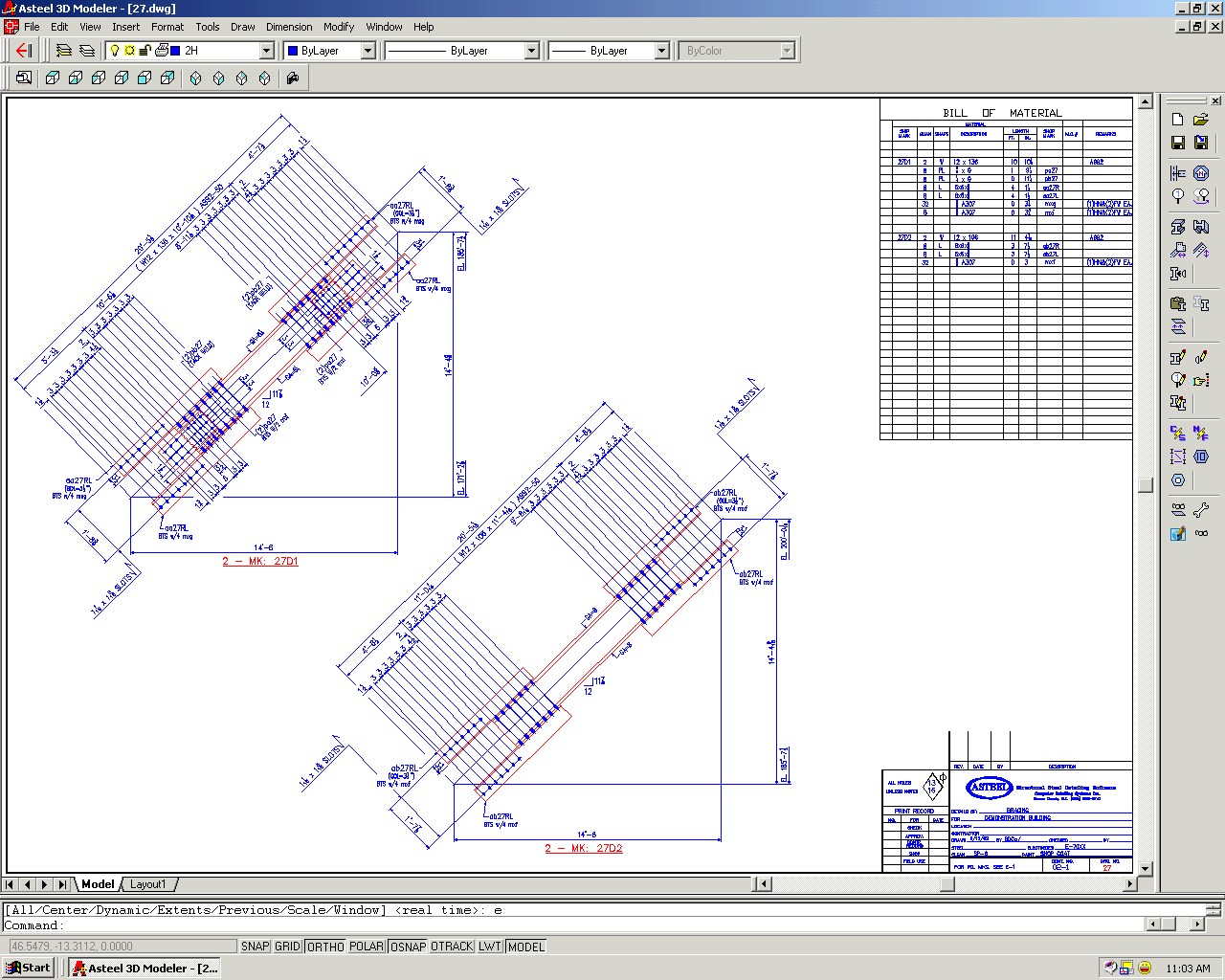
- Produces details directly from the model.
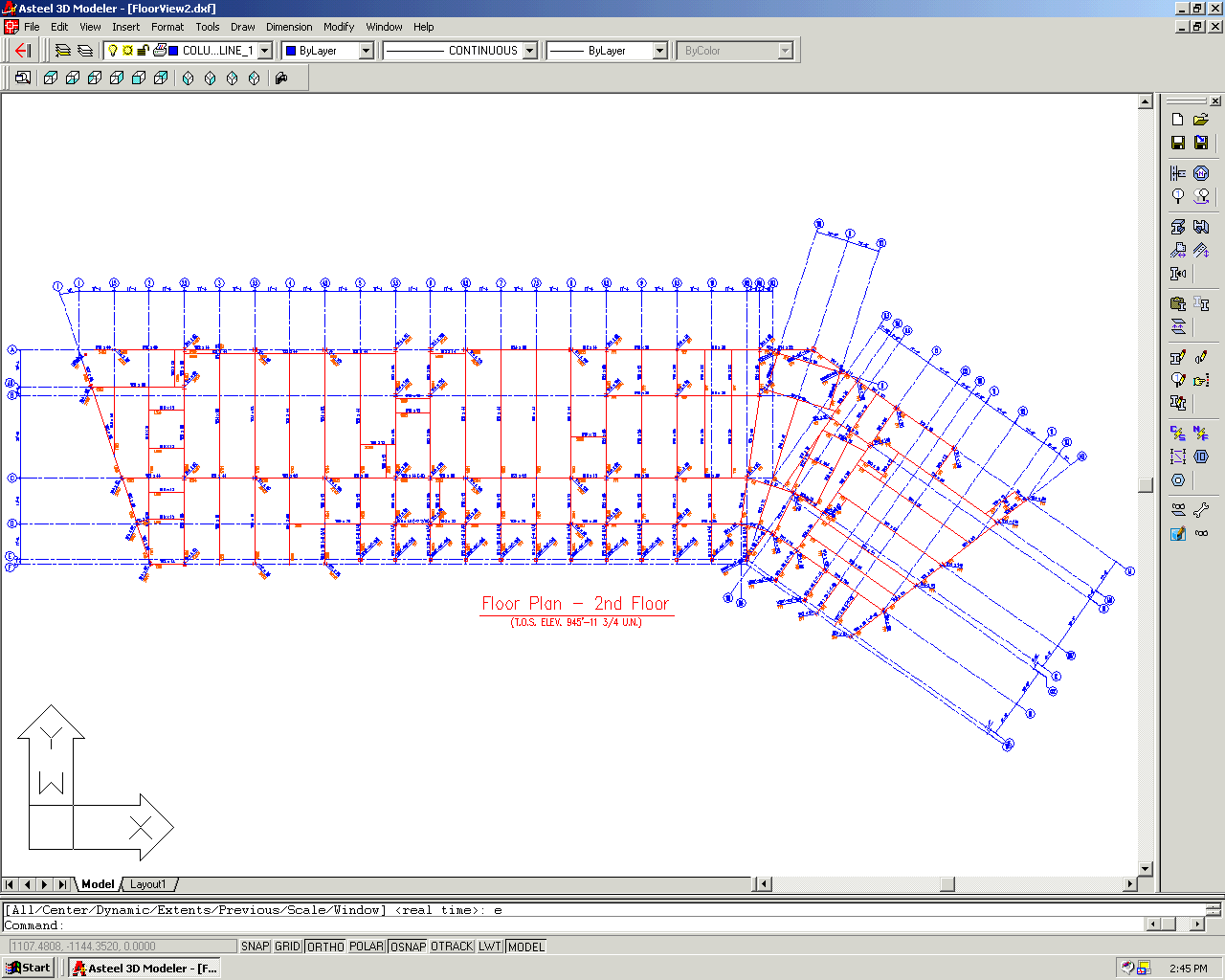
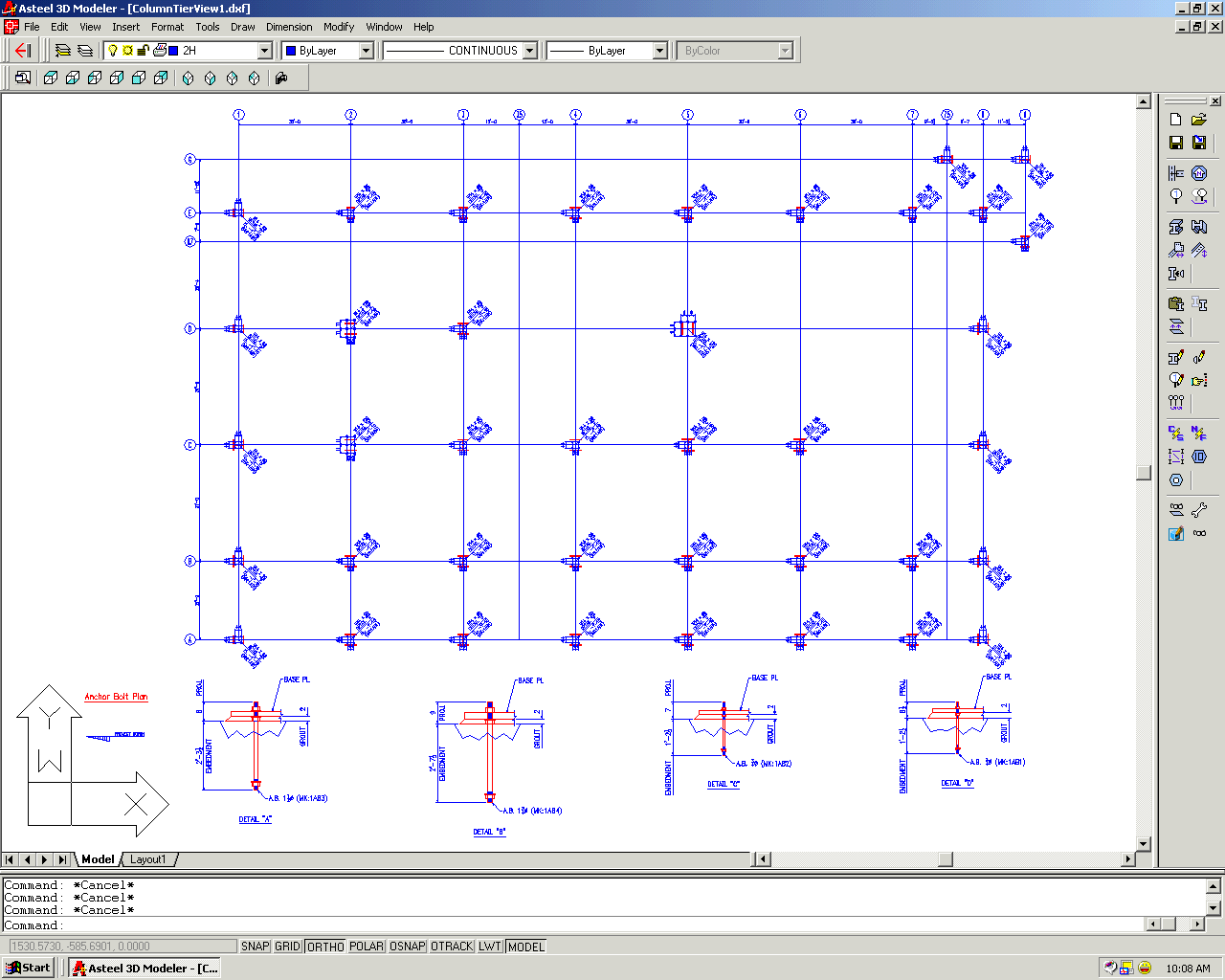
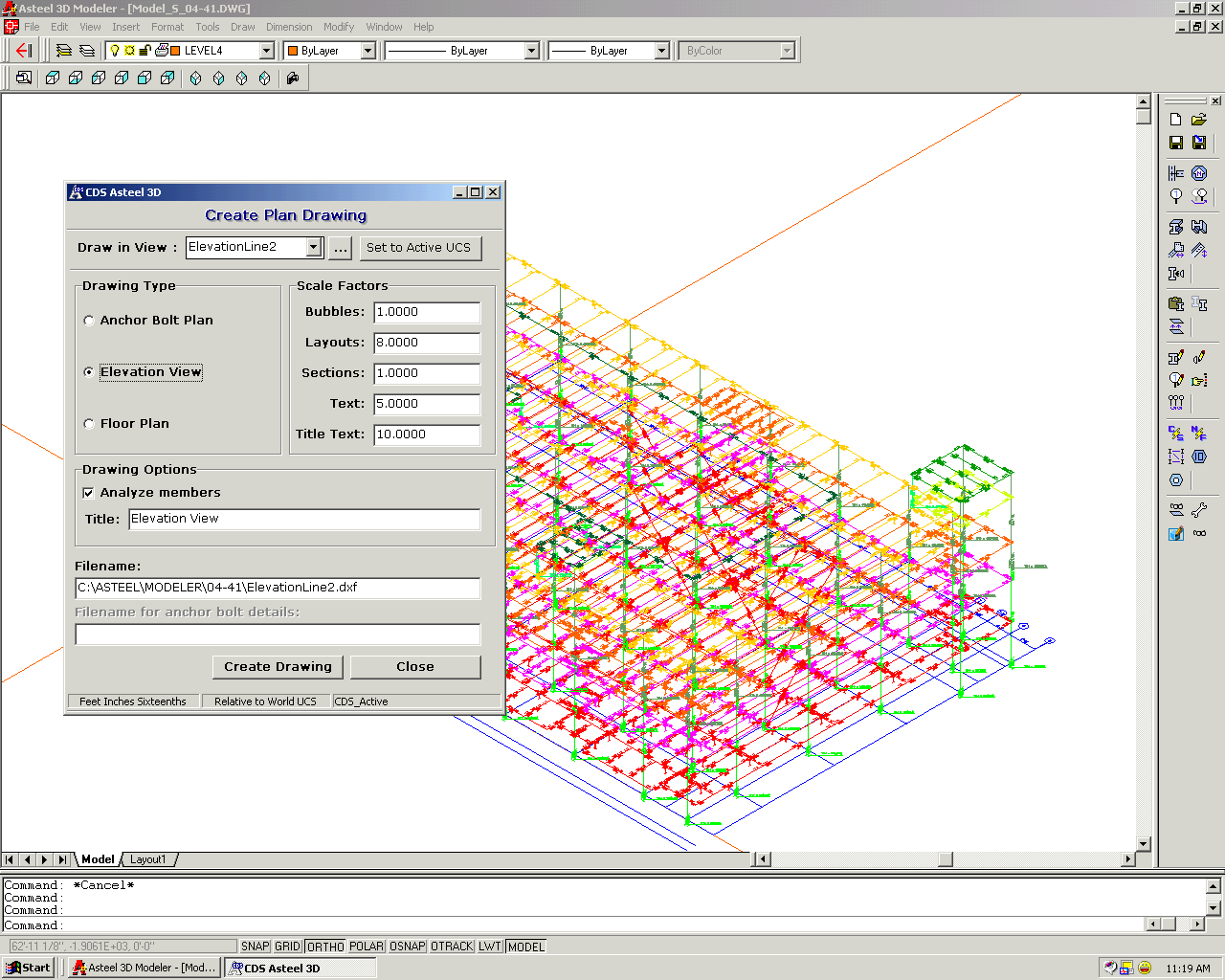
- Generates anchor bolt plans, e-sheets and field bolt lists.
- Unsurpassed drawing presentation.
- Detail drawing previews from within the modeler.
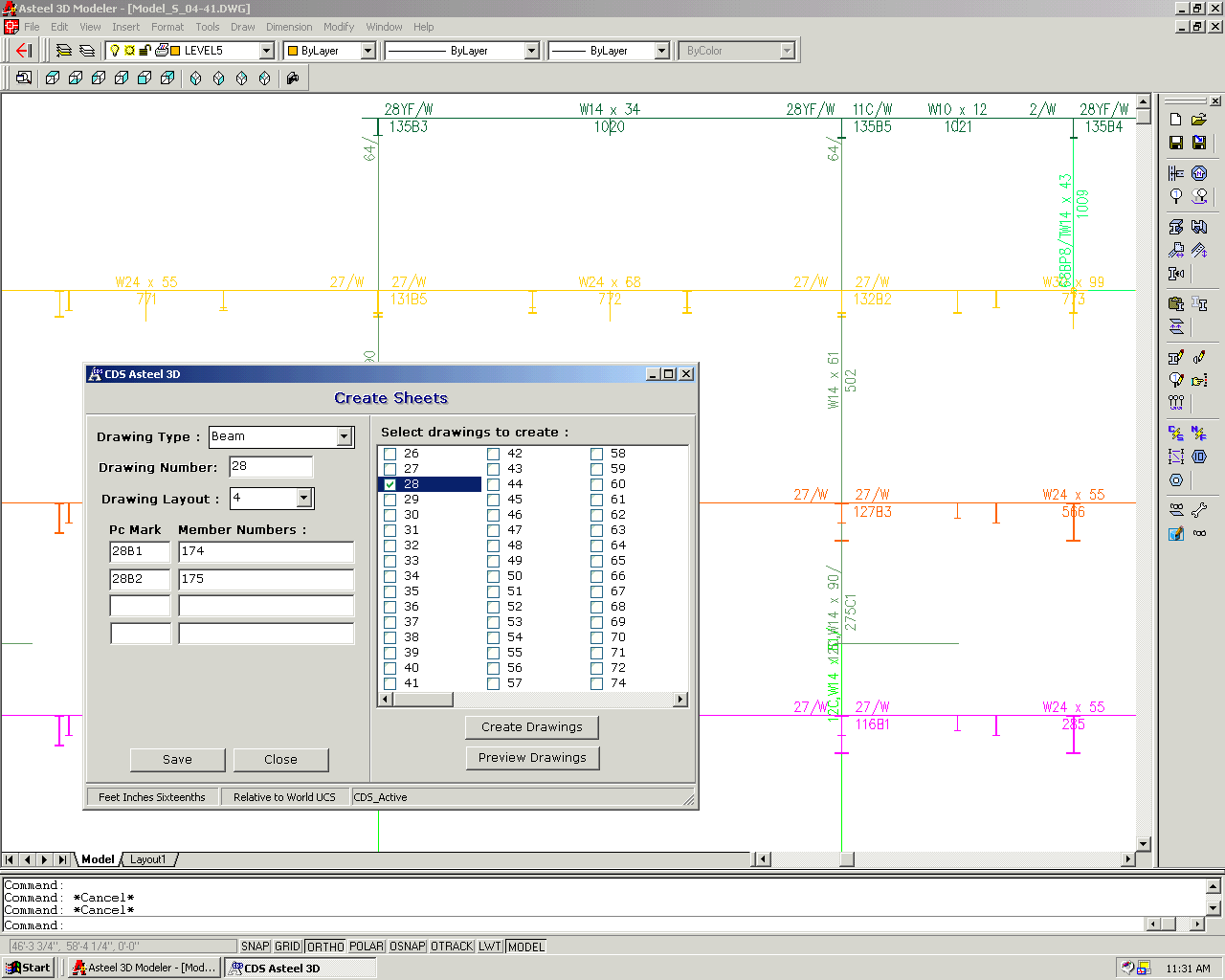
- Shop drawings show all required sections, details and layouts.
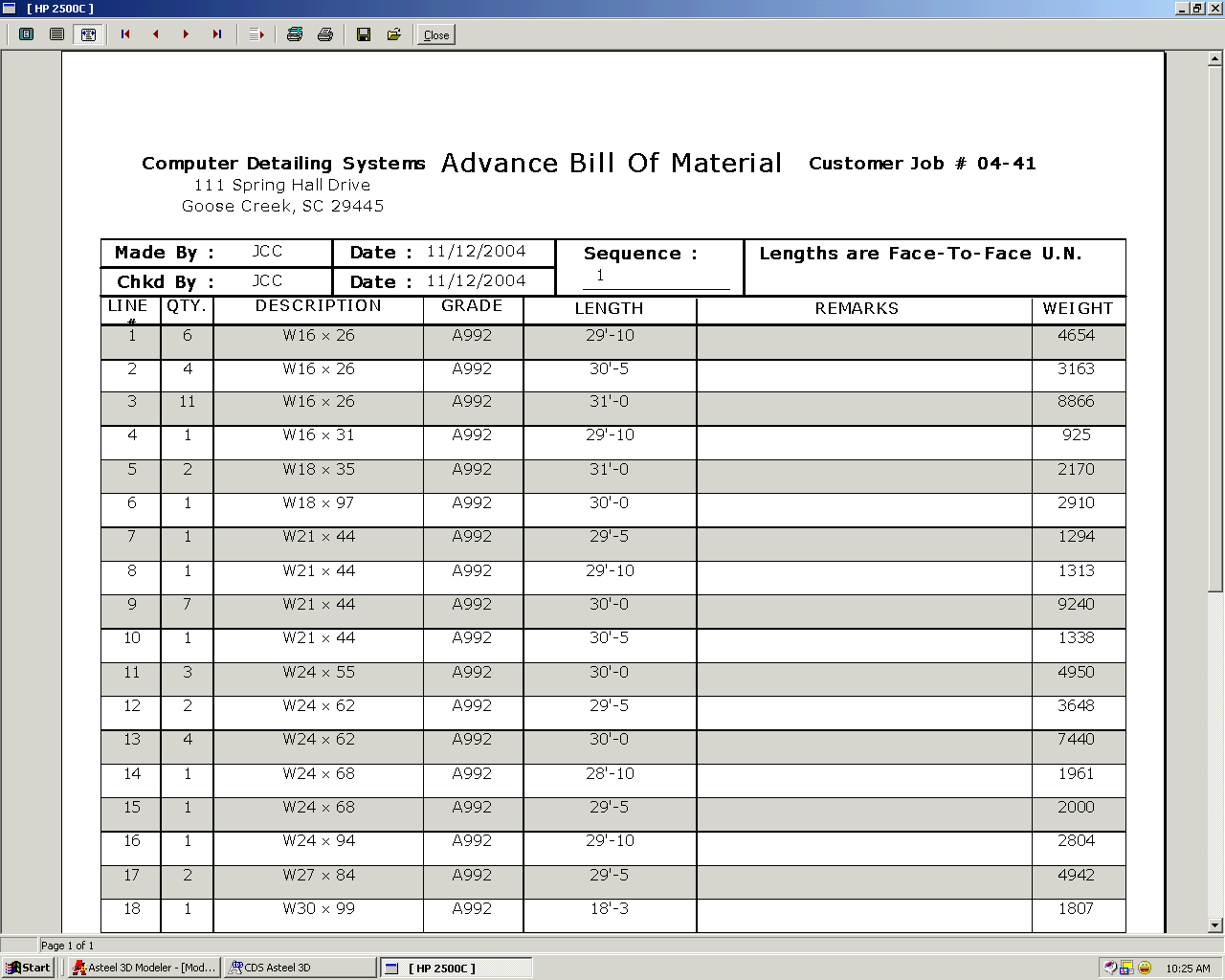
- All material is automatically billed out using your fabricator’s marking system.
- Performs all calculations – minus dimensions, copes, weld sizes, stubs, weights…
- Details are in the industry standard DXF format – view from any version of AutoCAD.
- Hundreds of pre-configured connection types available.
High quality shop drawings – fast!
- Built-in standards for over 300 different fabricators!
- Shipping and sub-assembly marking systems.
- Standard clip angle designations.
- Alternate running dimension tie-ups.
Generate production control data automatically!
- Production control data is generated automatically for all shop drawings.
- Changes made in the bill of material are updated in the production control data.
- Available production control output formats:
Cives – Fab / Trol (KISS) – ROMAC- Structural Steel Manager (EJE)
Produce CNC data automatically!
- CNC data is generated automatically for all shop drawings.
- Built-in CNC editor.
- Available CNC output formats:
Beatty Punch – Controlled Automation – Franklin Manufacturing – Metal Fabricators – Peddinghaus – Whitney – DSTV (Ficep)
- Available plate burner/duplicator output formats:
Shop Data Systems – Controlled Automation
Generate connection calculations, mill orders and detail summaries!
- Determines weak connections and flags them so they can be changed.
- Produce details summaries of all angles, plates and miscellaneous fitup material in a job.
AllAsteel 3D Modeler ScreensE-Sheets and Anchor Bolt PlansExample DetailsExample ModelsOther ScreenshotsAll
- All
- Asteel 3D Modeler Screens
- E-Sheets and Anchor Bolt Plans
- Example Details
- Example Models
- Other Screenshots





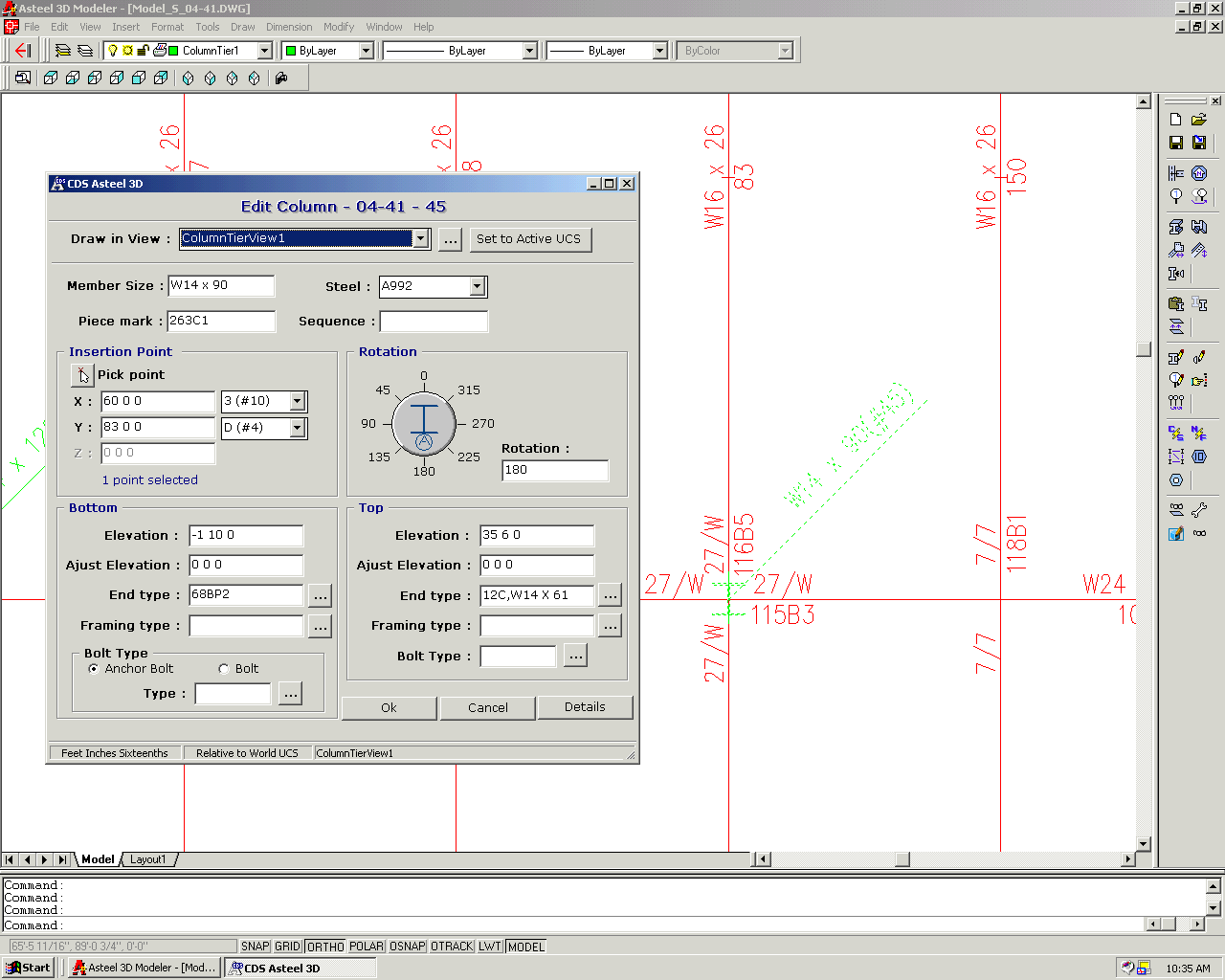
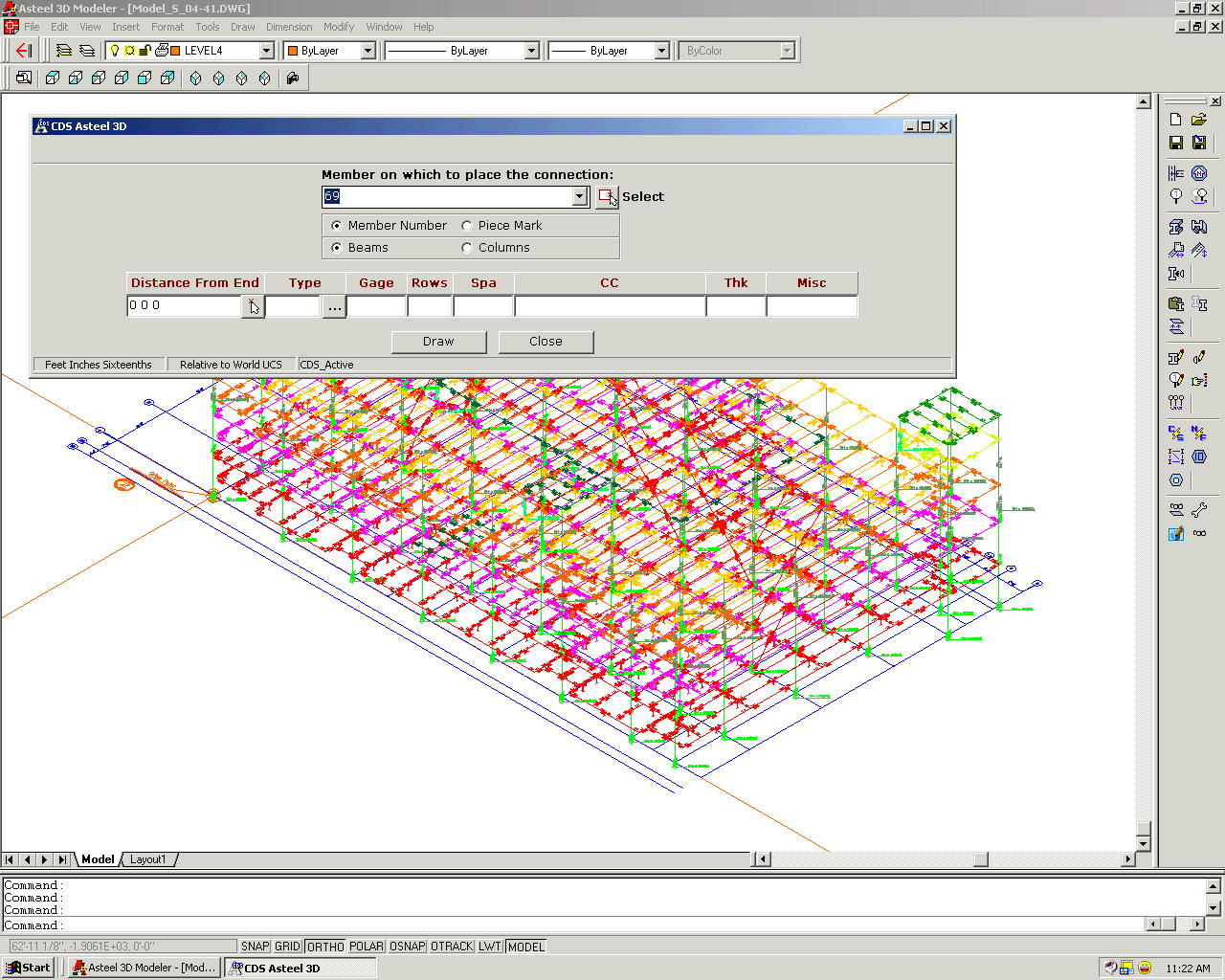
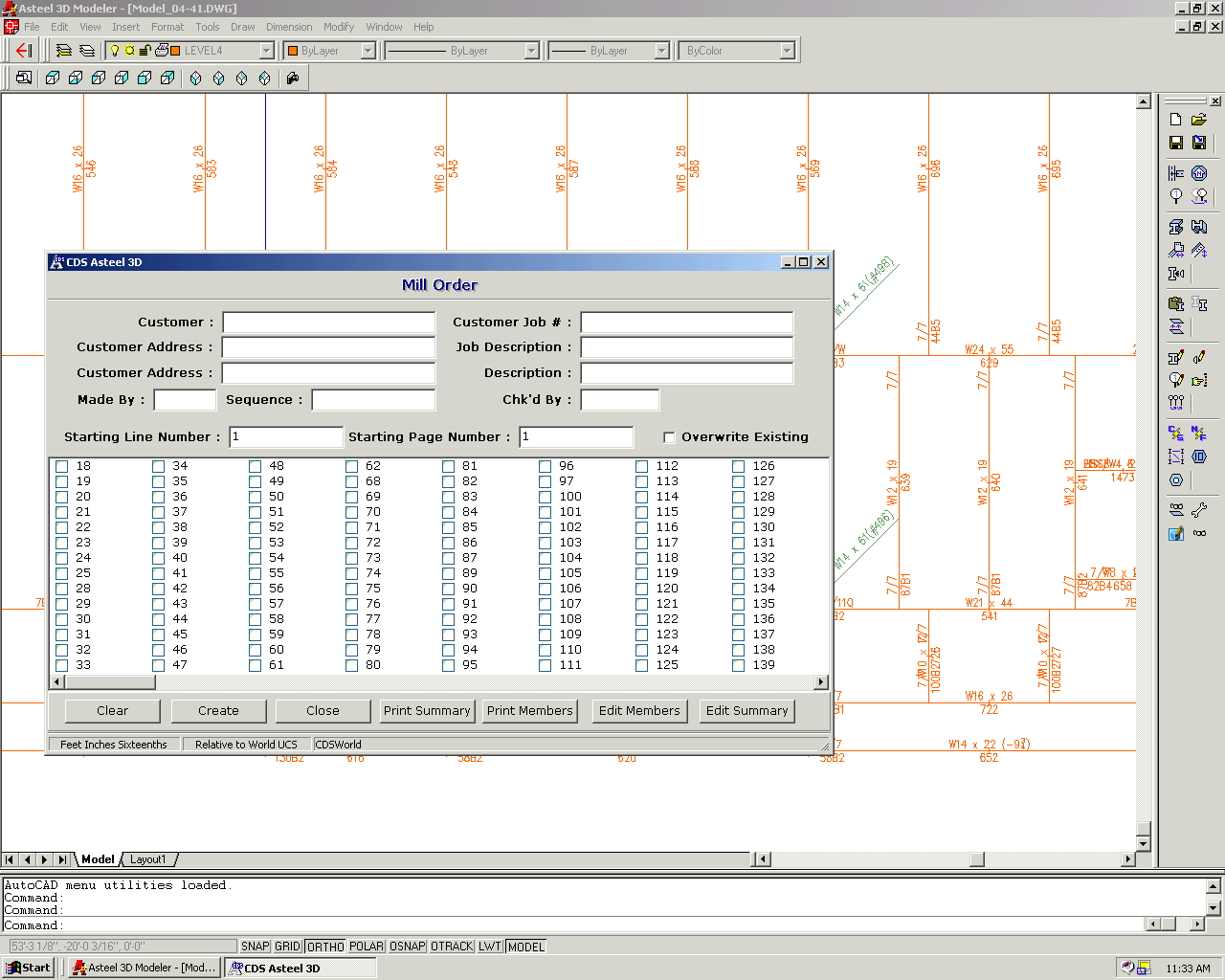
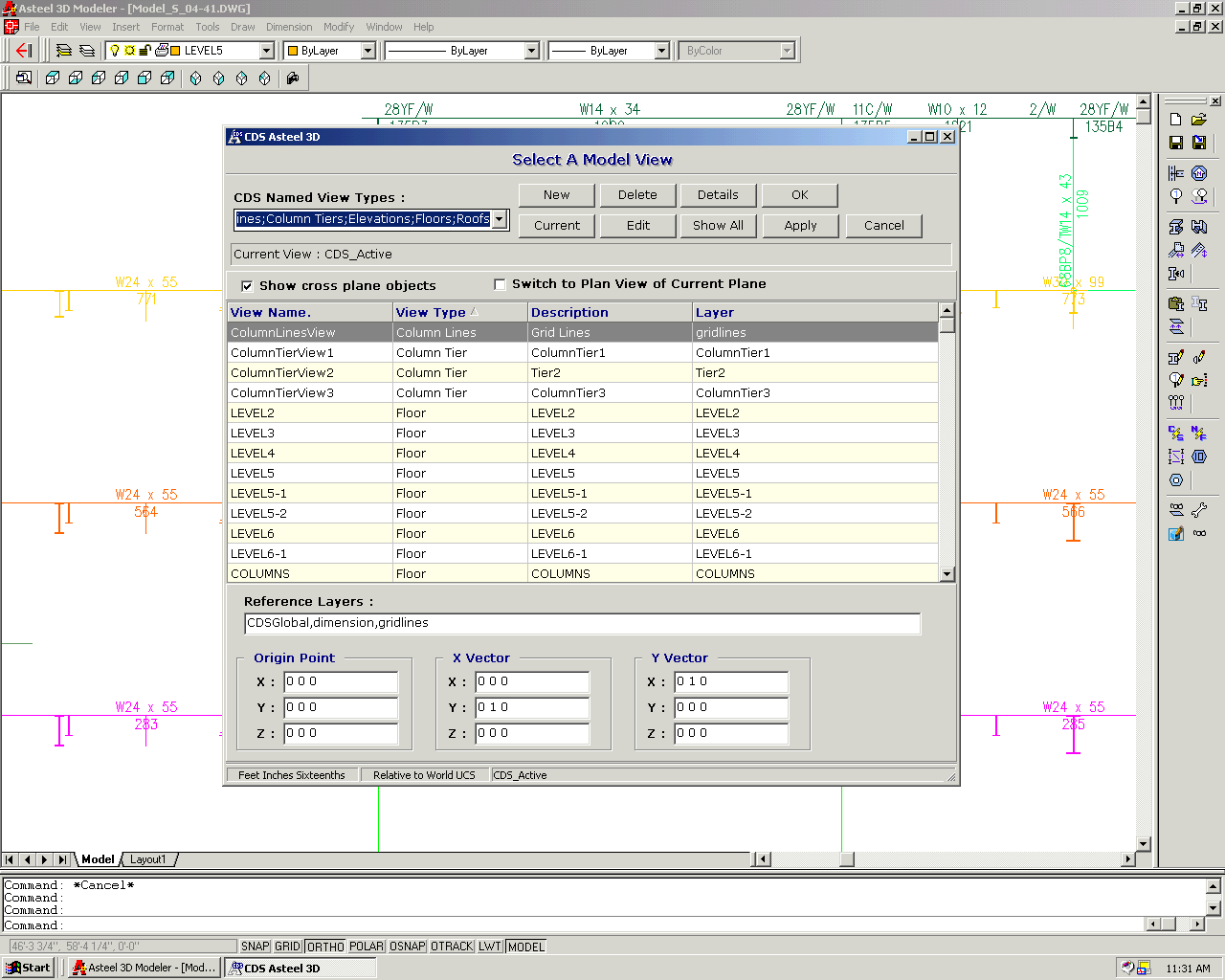


ASTEEL 3D Modeler Movies
Here are a few movie presentations showing you some of the features of the Asteel 3D Modeler. The movies are in avi format which will play in Windows Media Player. All movies have been compressed – unzip and play after downloading.
https://www.youtube.com/watch?v=jwfZfqdiW6I
Field Bolt Lists & Other Features